I’ve always believed that the first impression a candidate makes through their résumé sets the tone for the rest of the hiring process. Yet, as any recruiter knows, manually sifting through hundreds of CVs can turn that moment of promise into a slog. That’s why I was excited to build an automated CV-screening workflow using n8n and OpenAI—designed specifically for busy recruitment teams who need to separate the signal from the noise, fast.
Why Automate CV Screening?
In a high-volume hiring environment, manual résumé review brings three major challenges:
- Time Drain
Reading and scoring dozens (or hundreds) of applications eats into time better spent on interviews and stakeholder outreach. - Inconsistency
Different reviewers may apply different standards. What one person flags as a “job-hopping” red flag another might overlook entirely. - Bottlenecks
The moment your recruiters get overwhelmed, hiring slows, and top candidates slip away.
By automating the initial screening round, I can ensure every résumé is evaluated against the same criteria—and free my team to focus on the human conversations that really matter.
How the Workflow Operates
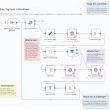
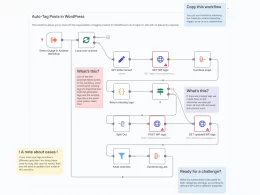
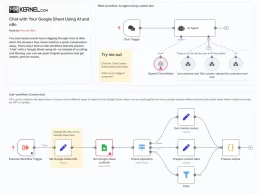
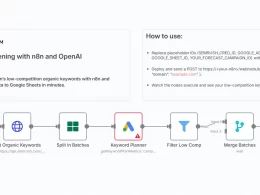
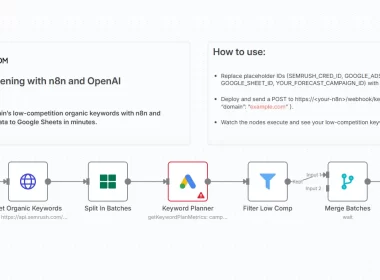
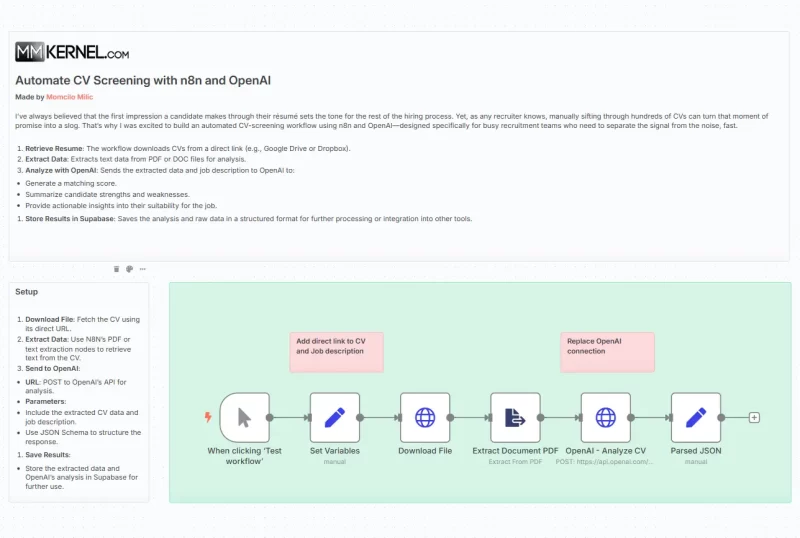
This n8n workflow combines the power of OpenAI’s language models with structured data storage in Supabase. Here’s the end-to-end process:
- Retrieve the Résumé
– A manual trigger (or an incoming webhook) kicks off the flow.
– The workflow fetches the CV file (PDF, DOCX, or text) via an HTTP Request node. - Extract Text Content
– n8n’s “Extract from File” node pulls the raw text from the résumé. - Send to OpenAI for Analysis
– A single HTTP Request node sends the résumé text and the job description to OpenAI’s chat-completion endpoint.
– The prompt is crafted to act like a strict recruiting partner: “You are a recruiter who pays extra attention to detail. Assess this candidate’s résumé against the job description. Return a matching percentage (in 10% increments), a short summary decision, reasons they suit the role, and reasons they may not.” - Parse and Structure the Response
– Using a JSON Schema in the request ensures OpenAI replies with a predictable, machine-readable object (percentage, summary, strengths, and concerns).
– A simple “Set” node parses that JSON so downstream nodes can work with native fields. - Store Results in Supabase
– Each candidate’s score, summary, and insights are saved to a Supabase table—ready for dashboards, follow-up workflows, or integration with your ATS.
Benefits for Recruitment Teams
- Scalable Screening: Instantly evaluate thousands of applications with uniform rigor.
- Actionable Insights: The workflow doesn’t just score—it explains why a résumé passes or fails, helping recruiters validate the AI’s judgment at a glance.
- Consistent Criteria: By encoding your job requirements into the prompt and schema, you’re guaranteed that every résumé is measured by the same yardstick.
- Data-Driven Decisions: With scores and summaries stored centrally, you can analyze trends—spot patterns in candidate quality, identify skill gaps in your pipeline, or track time-to-hire improvements.
Key Tips for Getting Started
- Refine Your Prompt
– Tailor the language model’s instructions to your company’s values. Want more emphasis on cultural fit? Adjust the prompt. - Customize the Schema
– Add fields for any additional metrics you care about—years of experience, specific certifications, or location preferences. - Integrate with Your ATS
– Use n8n’s HTTP Request or native integrations to push scores and summaries directly into Greenhouse, Lever, or your in-house system. - Set Batch Triggers
– Instead of manual runs, schedule the workflow to process all new CVs in a shared folder or an S3 bucket every morning.
A Call to Action
If your recruitment team is ready to reclaim hours every week and hire with data-backed confidence, I encourage you to import this workflow into your n8n instance. Tweak the prompt and schema to reflect your unique hiring bar, connect your preferred storage or ATS, and watch as the AI-powered CV screener transforms your screening round from a bottleneck into a breeze.
Download
Happy hiring!